.webp)

Joining a test series can greatly improve your exam preparation. It helps you practice in conditions similar to the actual exam. You can also analyze your strengths and weaknesses.
At PracBee, we make it easy for students to access and take test series right from our platform. Here’s a quick guide on how you can enroll and start attempting the test series in just a few easy steps.
First, enroll in the desired test series. Here’s how:
1. Go to the Test Series Page: Click to visit our test series page.
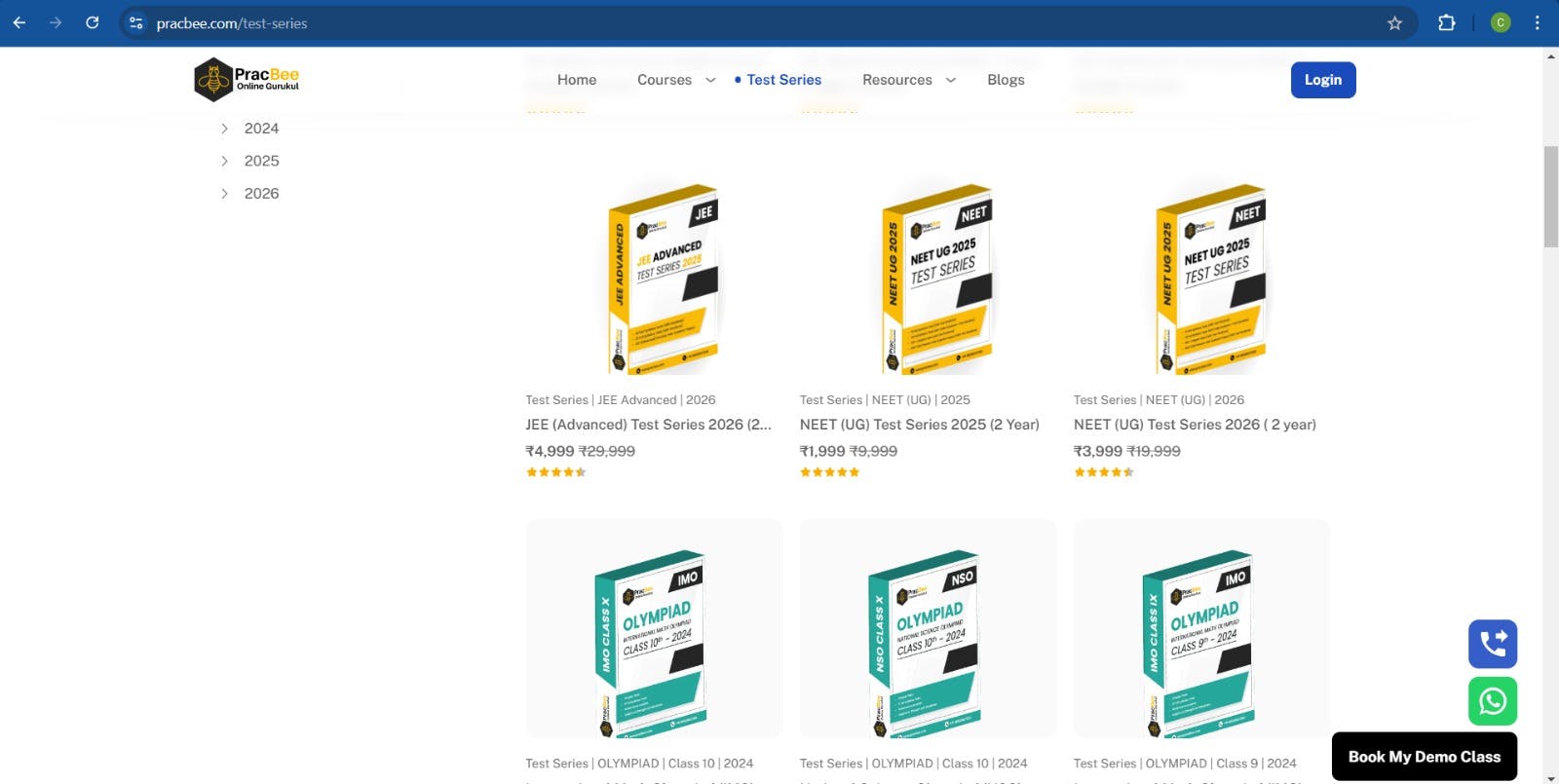
2. Look at the available test series: You will see different test series for various exams and preparation levels. Whether you're preparing for JEE, NEET, or other competitive exams, choose the one that fits your needs.
3. Select Your Preferred Test Series: Once you’ve found the right test series, click on the "Buy Now" button to sign up.
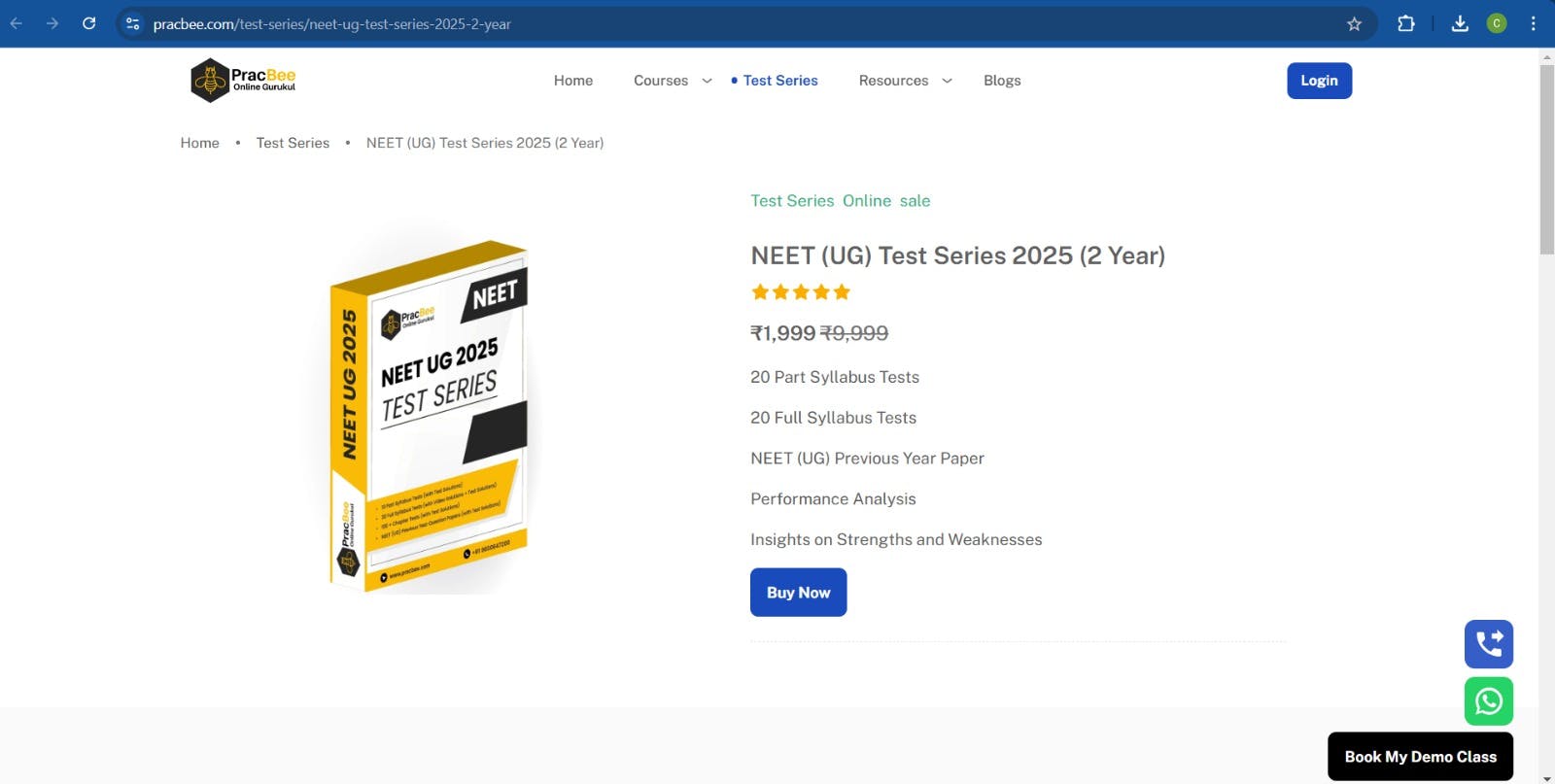
4. Complete the Enrollment: Follow the payment and registration steps to complete your enrollment. Once done, you’ll receive a confirmation message and will be able to access the test series.
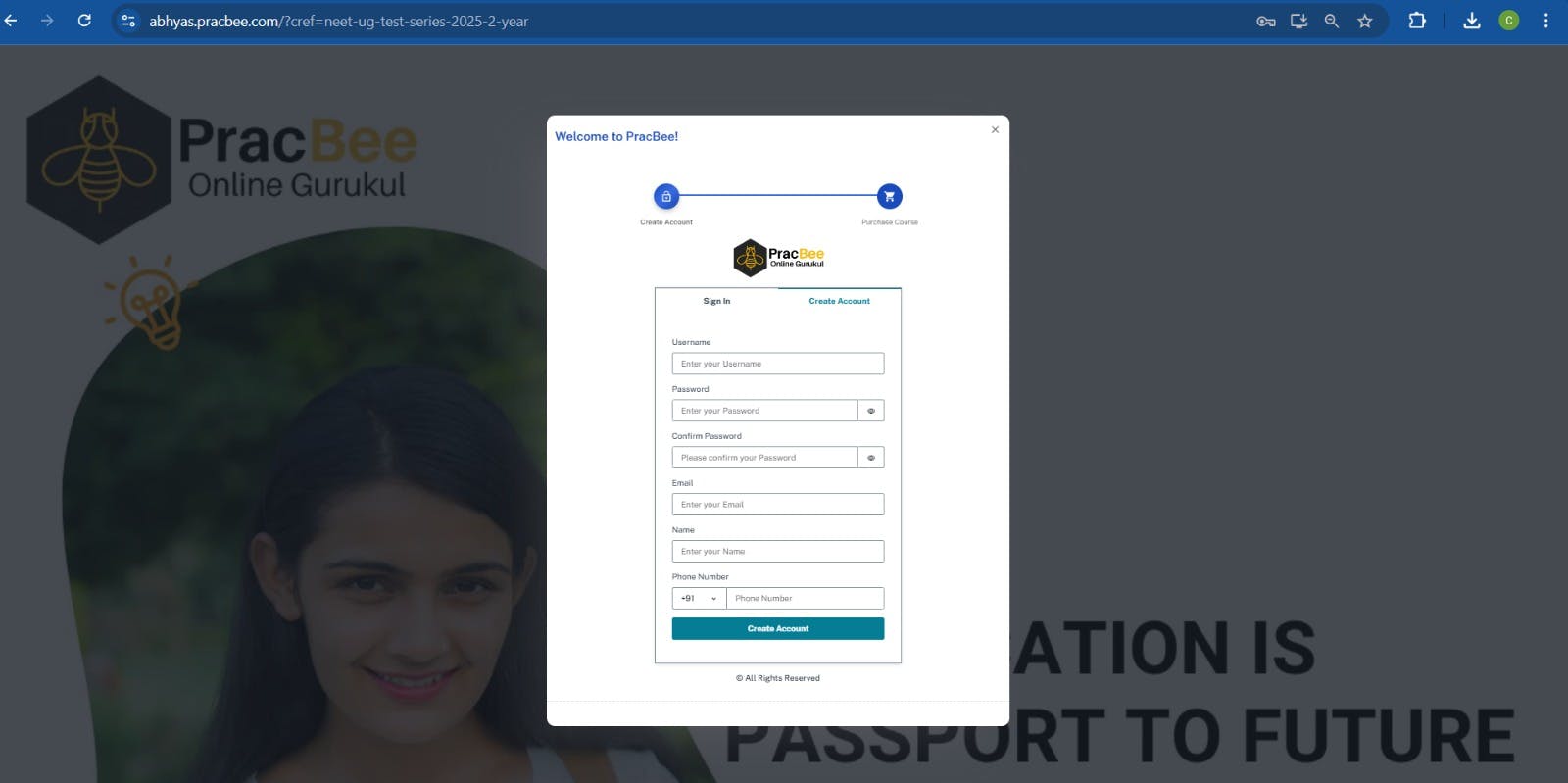
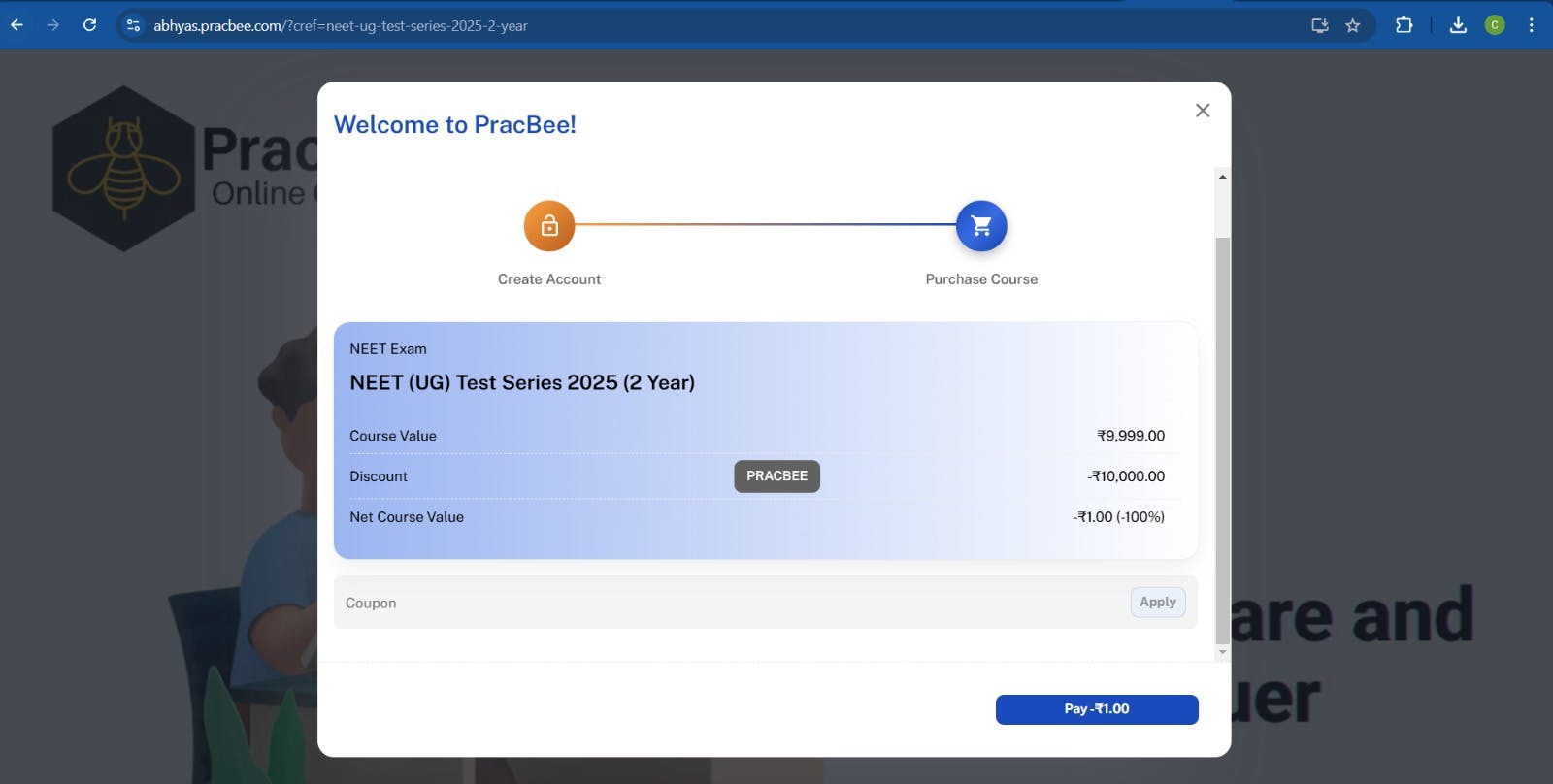
After enrolling, you’ll find the test series in your account under the Courses tab. Here’s how to access it:
1. Log in to Your PracBee Account: If you haven't done so, log in with your email and password.
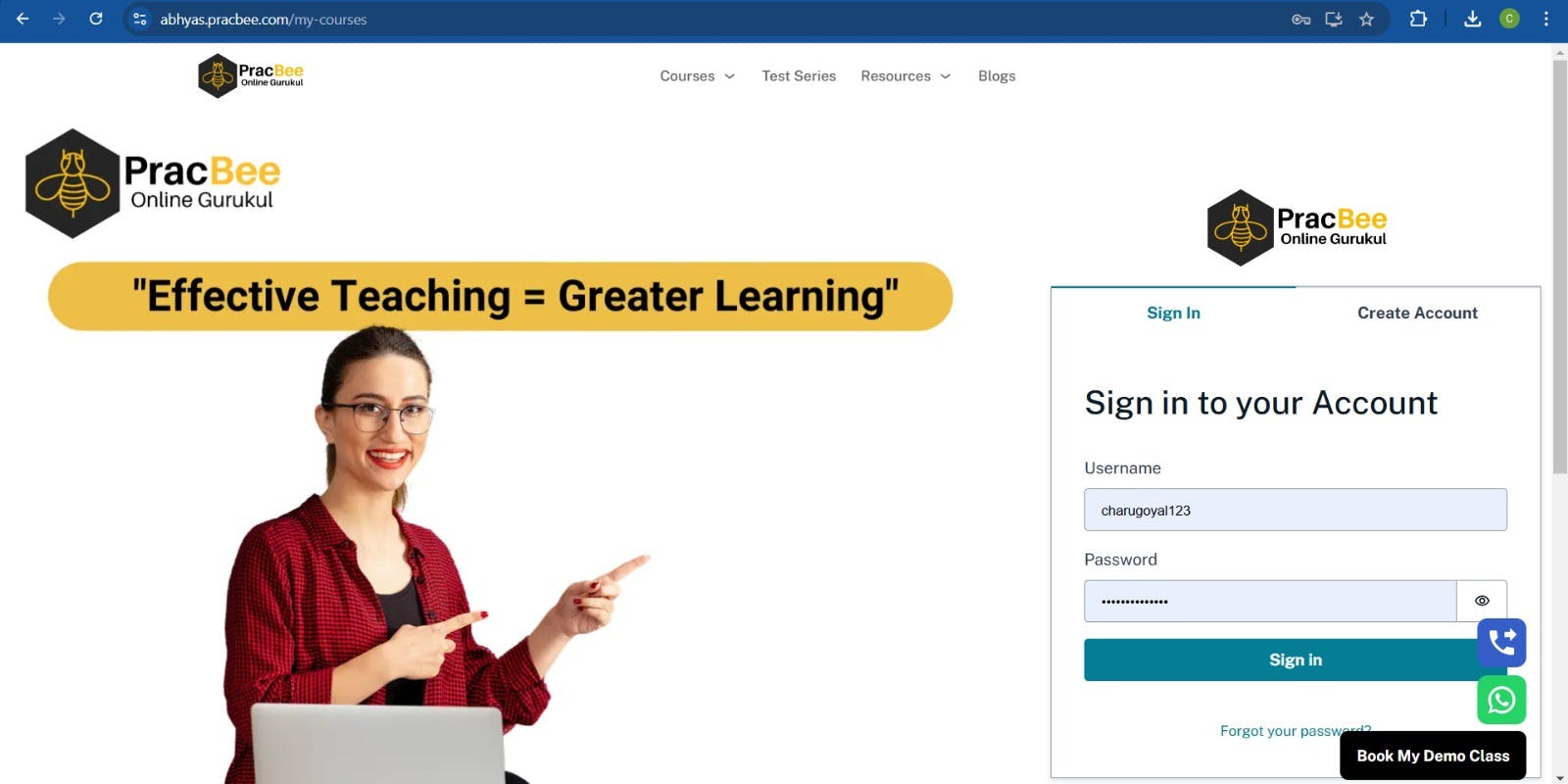
2. Navigate to the Courses Tab: Once logged in, click on the "Courses" tab in your dashboard. We will list all the courses, including the test series you’ve enrolled in, here.
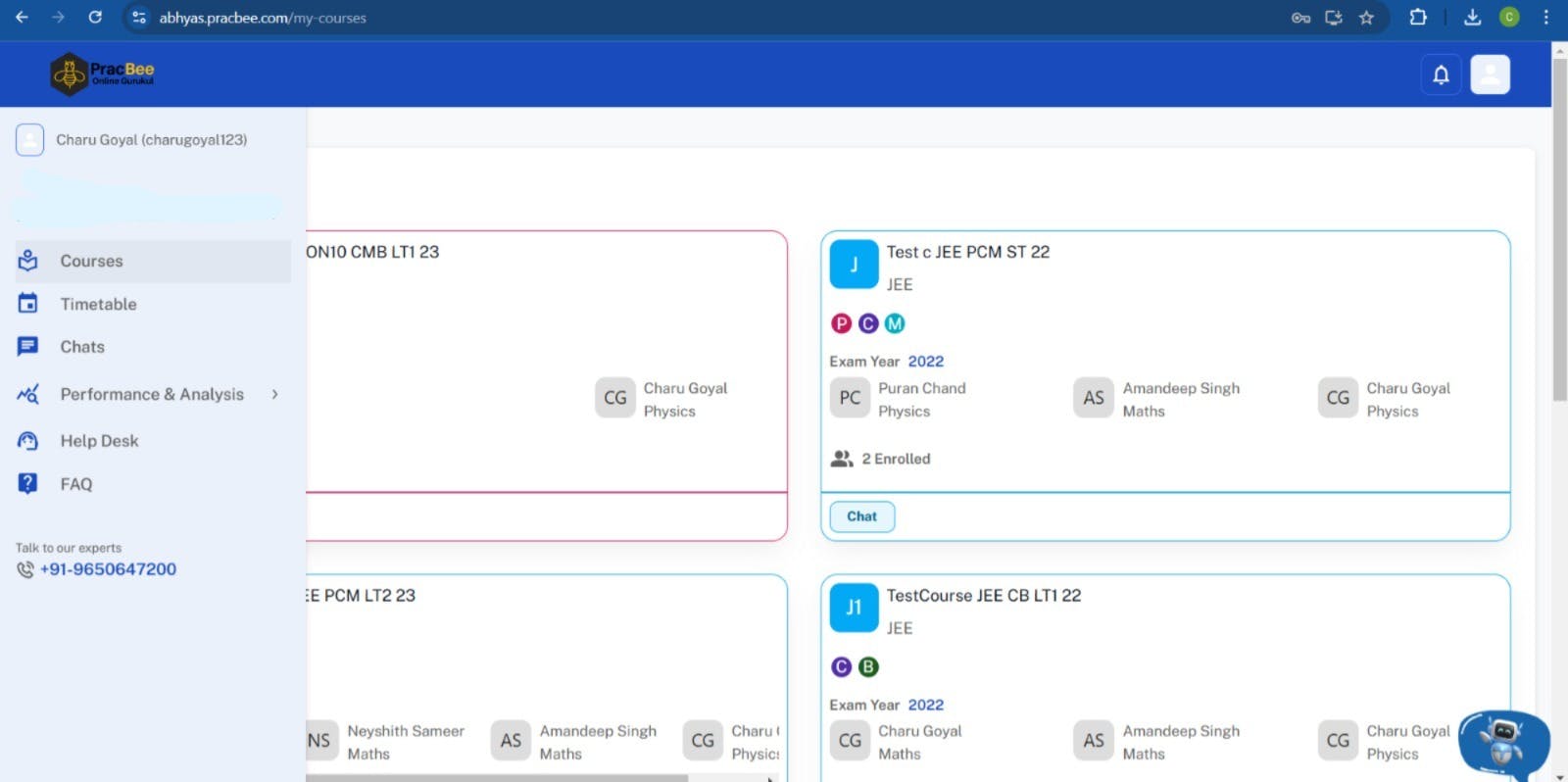
3. Find Your Test Series: Look for the specific test series you enrolled in. Click on it to view all the available tests, resources, and information.
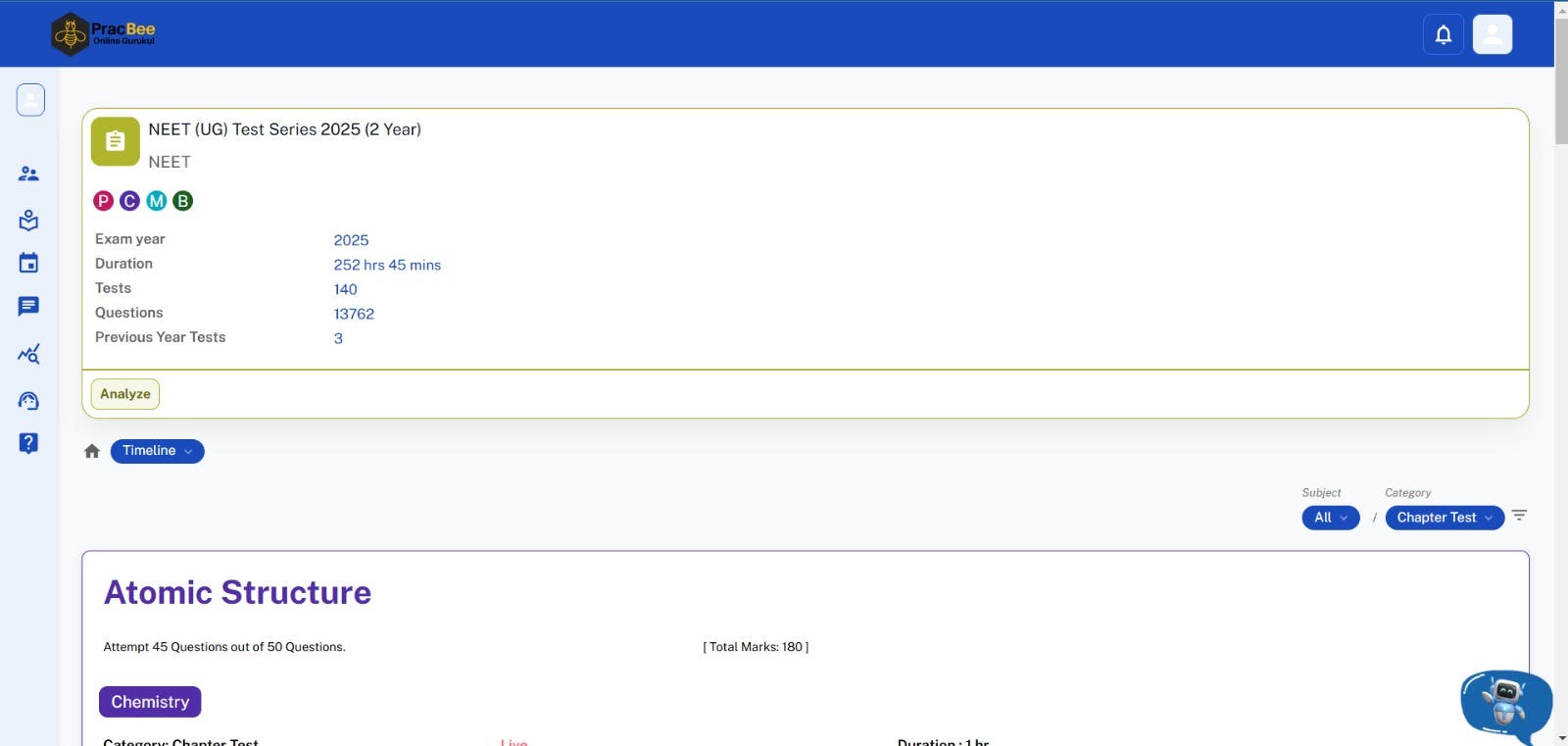
Step 3: Attempt the Test
Now that you have access to the test series, it’s time to begin attempting the tests:
1. Choose a Test: Click on any of the available tests in the series. Be sure to review the test details, such as the duration, number of questions, and the topics it covers.
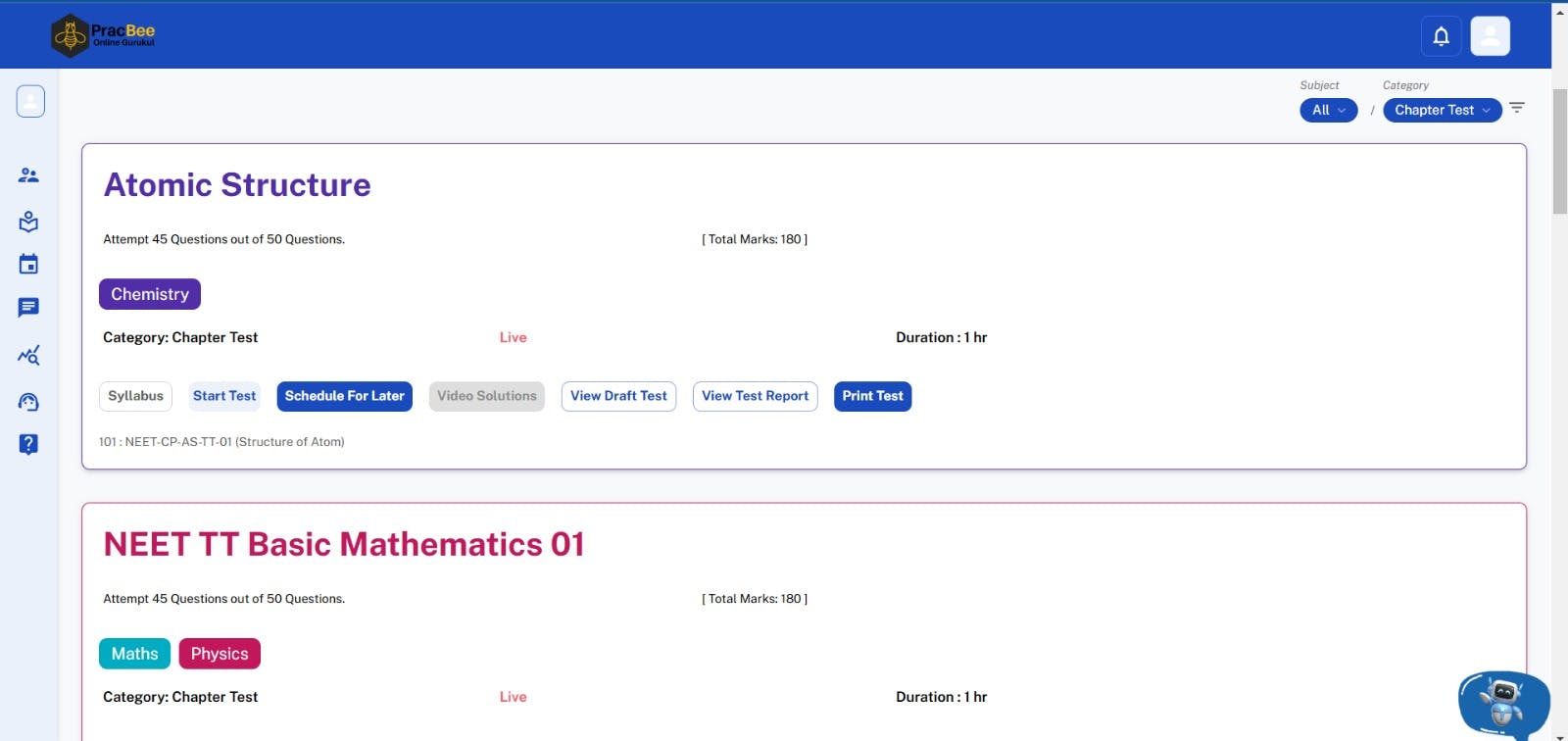
2. Start the Test: When you're ready, hit the "Start Test" button. Make sure you are in a quiet place without distractions. Have everything you need, like a pen, paper, and calculator, if necessary.
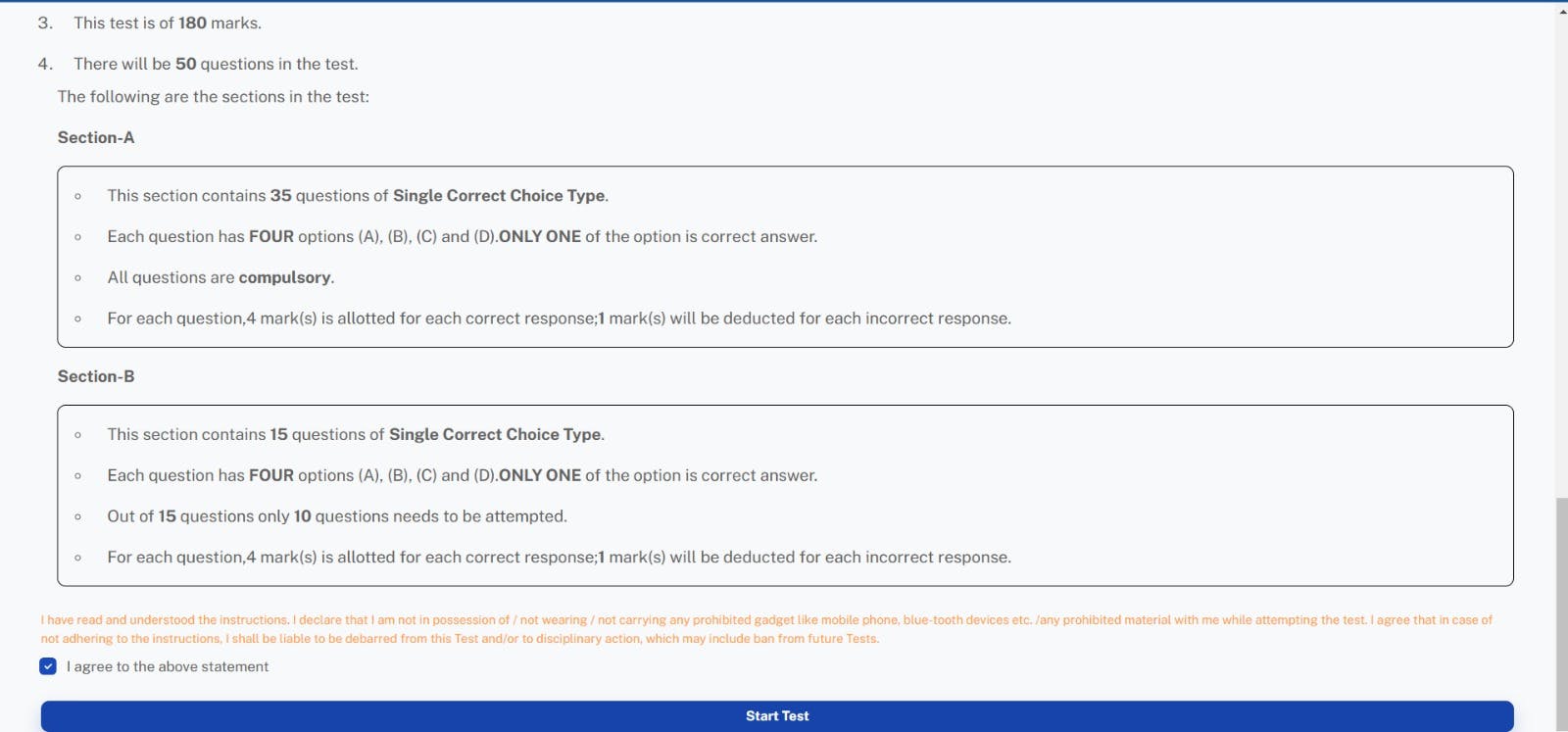
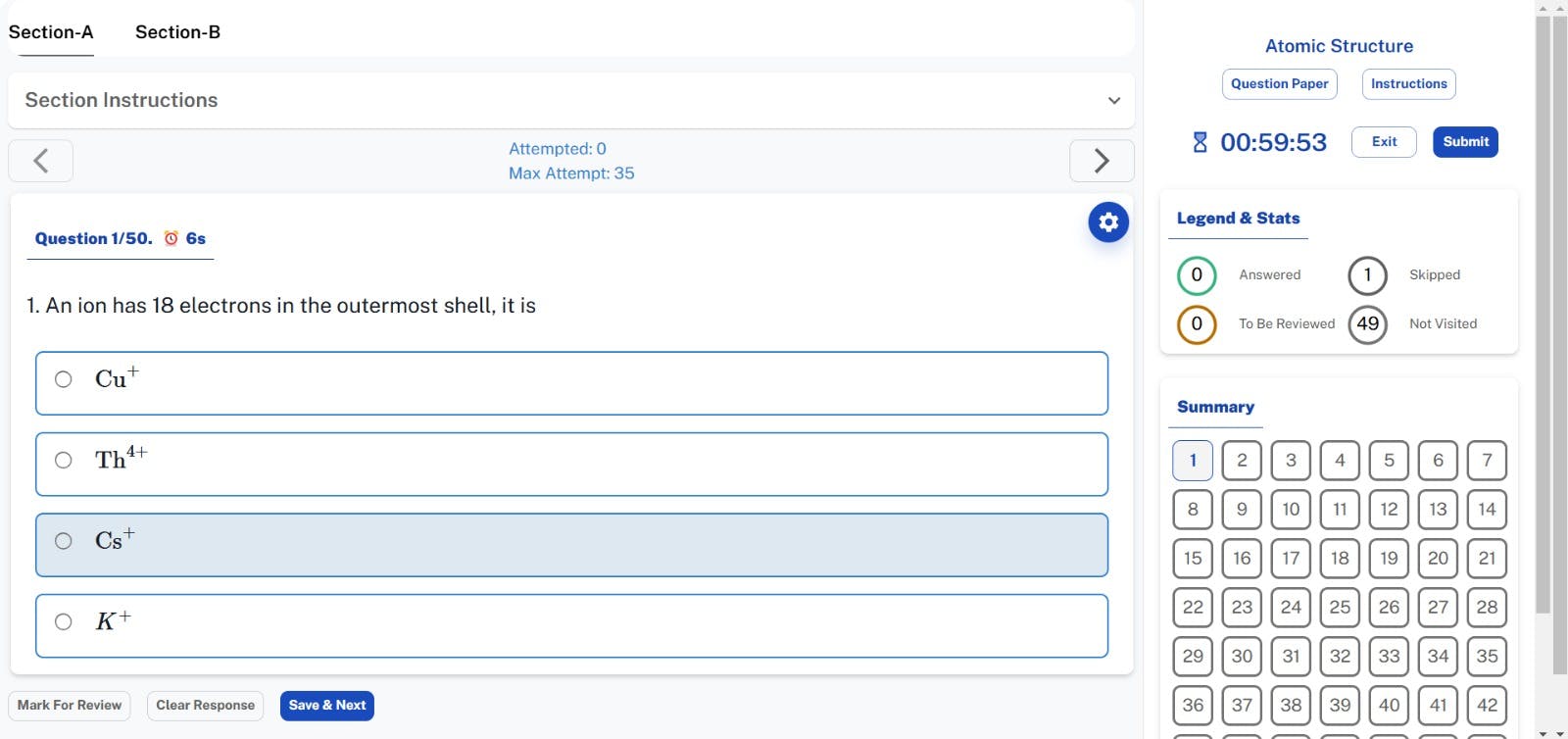
3. Complete the Test: Answer all the questions within the time limit. If needed, you can pause or revisit any question before submitting the test.
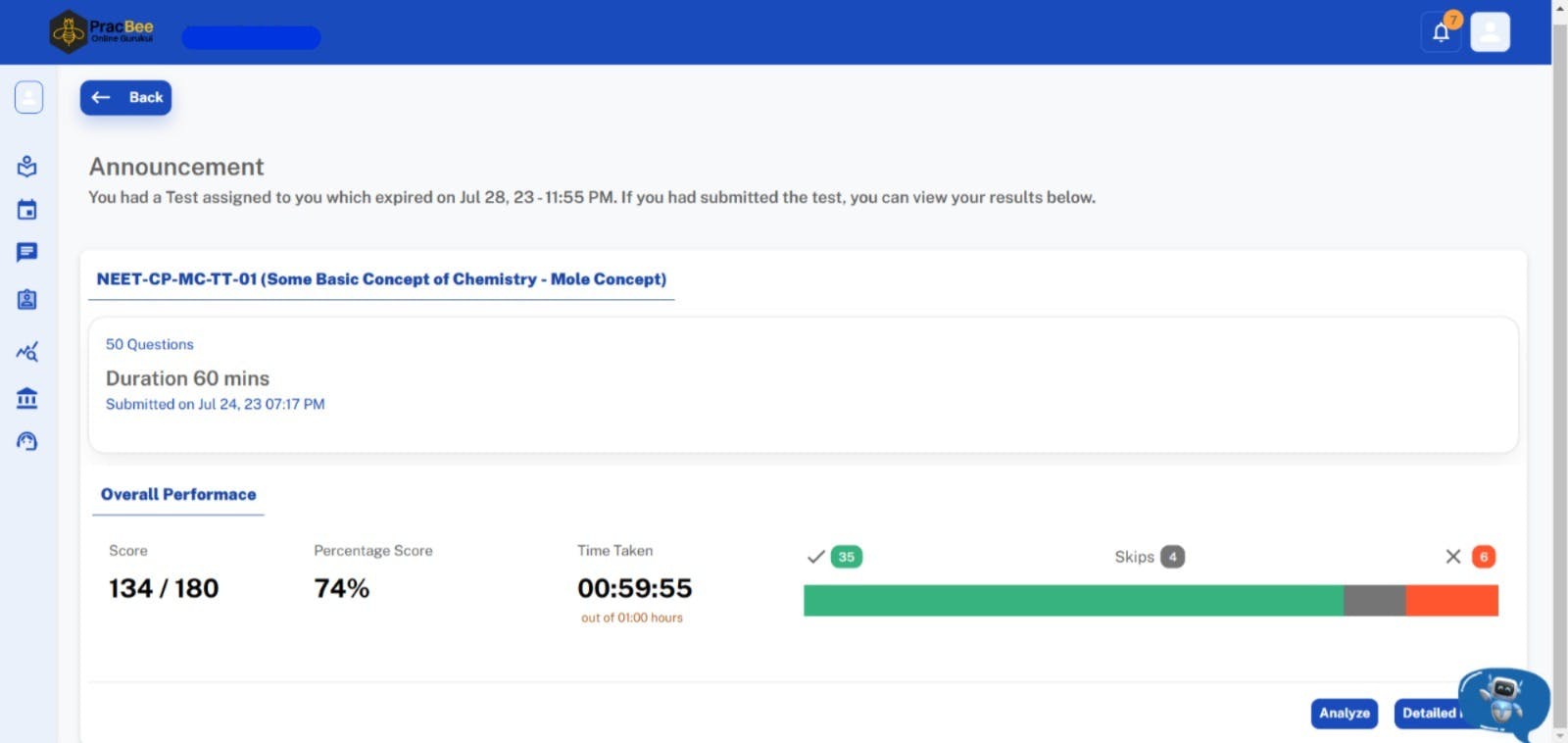
4. Submit Your Test: After completing the test, submit your answers. You will instantly receive a performance report to help you understand your strong and weak areas.
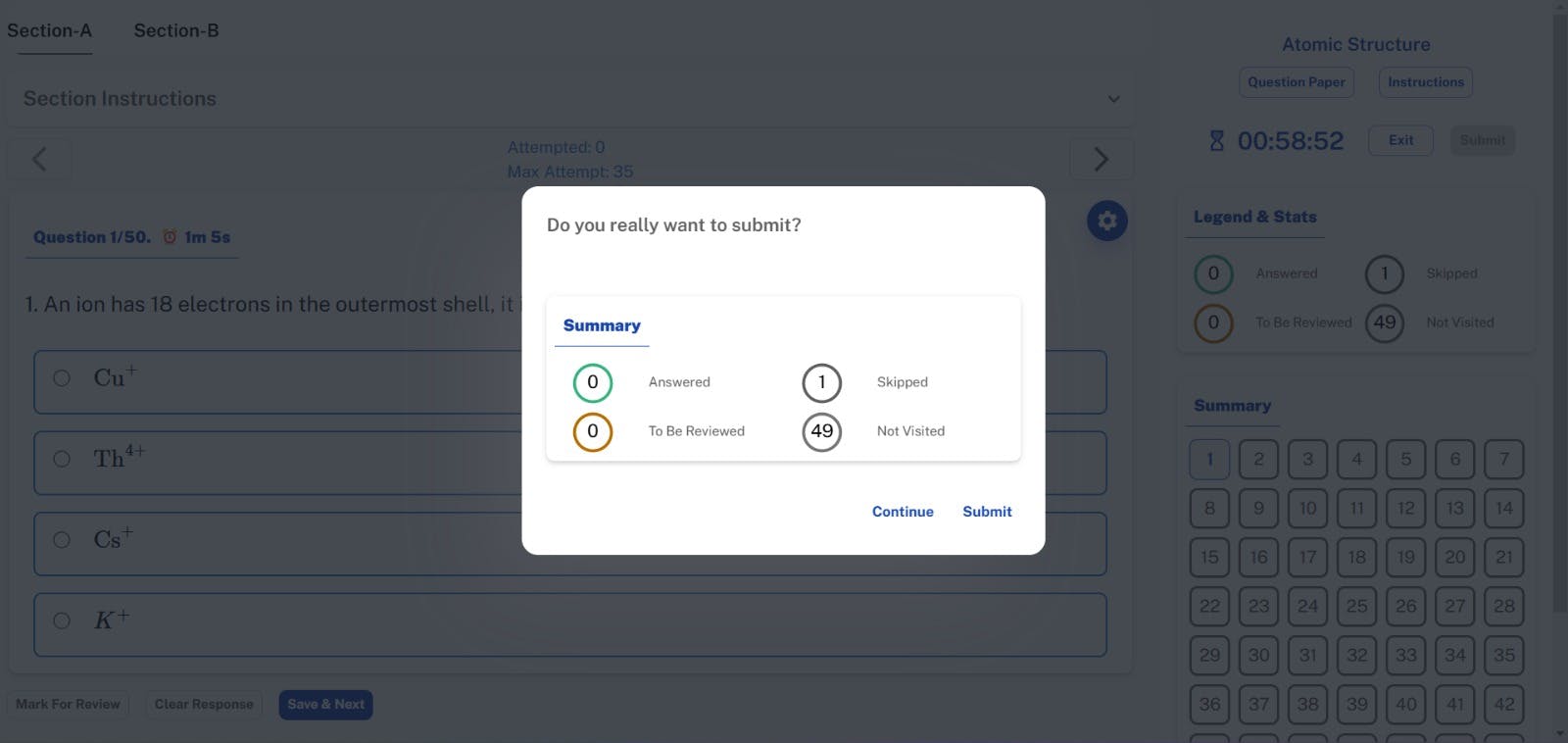
Step 4: Review and Improve
Your preparation doesn’t end after taking the test. PracBee provides a detailed assessment of your performance, allowing you to track your progress.
1. Review Your Results: Go through the detailed performance report to see which questions you answered correctly and where you went wrong.
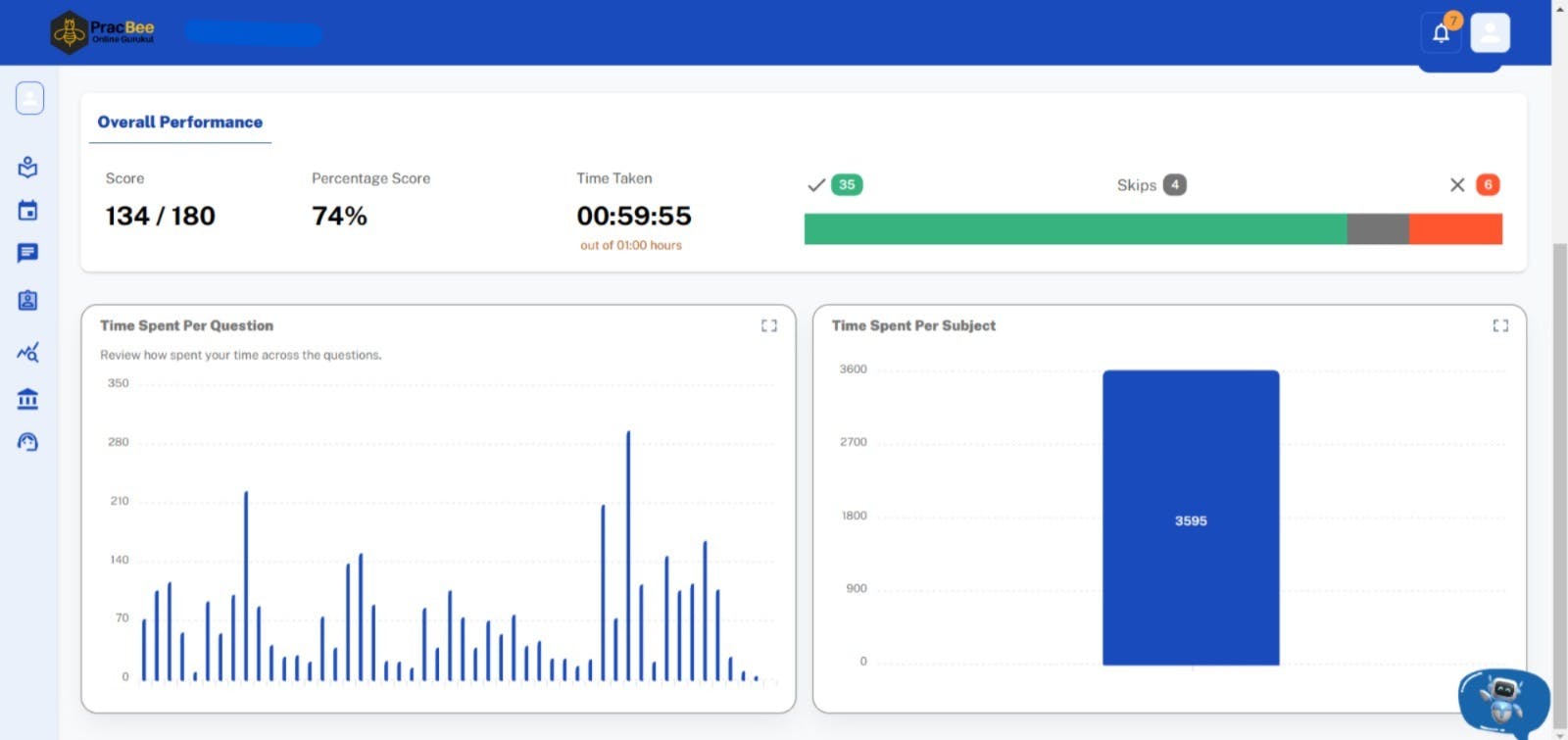
2. Focus on Weak Areas: Use the analytical skills to identify areas where you need more practice. This feedback is essential for improving your preparation strategy.
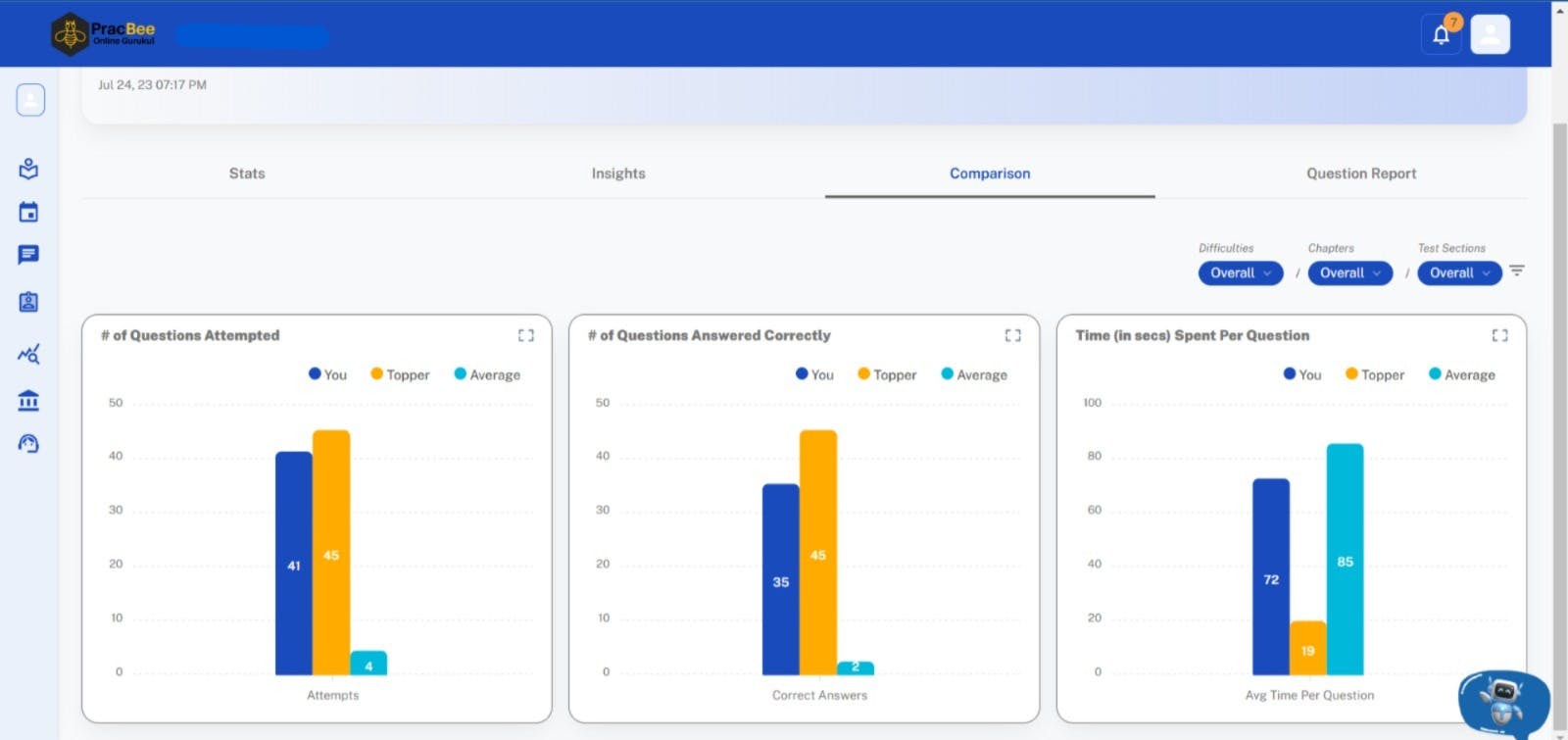
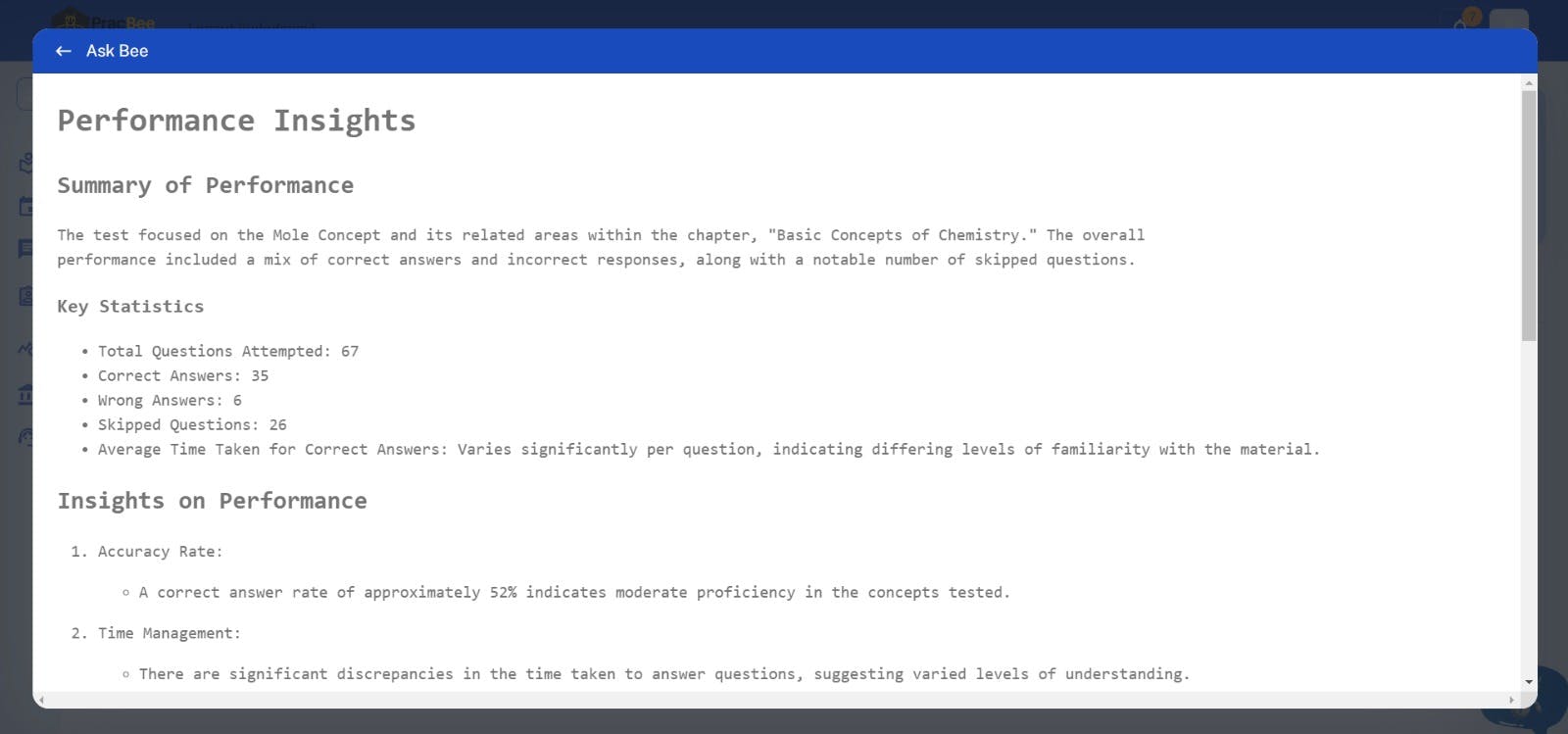
3. Reattempt Tests: Some test series allow you to retake certain tests. Make the most of this feature to ensure you’ve mastered each topic.
Conclusion
Enrolling in and attempting test series at PracBee is an easy and efficient way to enhance your exam preparation. You can easily access high-quality tests that mimic real exam situations. These tests help you track your progress over time. Don’t wait—start your journey toward success by enrolling in a test series today!

Maths Faculty
IIT-Delhi, IIM-Lucknow
IIT Delhi. 14+ Years of experience as Academics Head & Mentor


